


AutiSpark: Kids Autism Games
4.360.00 Reviews
App Specs
- Version
- 6.8.0.9
- Updated On
- License
- Free
- Downloads
- 1,000,000+
- Developer
- IDZ Digital Private Limited
- Categories
- Educational
- Platform
- Android
Screenshots


 Analysis by AppCompare
Hey there! So, I recently got my hands on AutiSpark: Kids Autism Games, and let me tell you, it’s quite an interesting app to dive into. For those of you who are always on the lookout for engaging and educational tools for kids on the spectrum, this might just be your next favorite find.
Who may benefit from a gentle learning routine?
I’d consider this educational game for a child who enjoys short, guided activities and for a parent or educator looking for a shared starting point. Its focus on autism-related learning makes it more specific than a general collection of children’s puzzles. That focus can be useful when you want an activity to feel approachable, but it doesn’t make the app a substitute for a child’s individual support plan or a professional’s advice.
A realistic use might be a calm stretch at home before dinner: an adult sits nearby, lets the child choose an activity, and watches which tasks invite interest or need more support. I’d keep the session flexible rather than treating completion as a target. If a child is tired, unsettled, or simply not interested in a particular activity, stopping is a sensible choice; an educational game should fit the child’s day, not turn into another demand.
For a child who prefers open-ended play, physical materials, or learning with another person rather than through a screen, this may not be the right fit. In those situations, blocks, picture cards, conversation, or a familiar offline activity may be more comfortable. I’d also avoid assuming that every activity suits every autistic child: interests, sensory preferences, communication styles, and learning needs vary widely.
What Is AutiSpark All About?
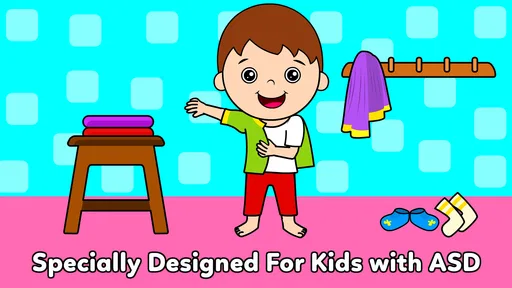
AutiSpark is aimed at children with autism, offering a wide array of games designed to enhance learning and development. The app focuses on a variety of areas such as communication, sensory skills, and cognitive development, all wrapped up in fun and interactive formats.
User Experience
First off, the user interface is pretty neat. It’s colorful, engaging, and, most importantly, intuitive enough for kids to navigate. When you open the app, you’re greeted with a friendly layout that doesn’t overwhelm. The developers have clearly prioritized accessibility, which is a huge plus in my book.
One thing I noticed right away is how the app breaks tasks down into small, manageable steps. This feature is particularly helpful for kids who might get overwhelmed easily. The instructions are clear, and the voice-overs are soothing, so kids feel encouraged rather than stressed.
Worth Reading Before You Choose

EA SPORTS FC Mobile 26 Is a Bigger Football Game, but It Takes Time

Flipboard Shows What News Apps Must Do Beyond the Feed

Switching to Android Auto Means Rethinking Your Driving Routine

Google Calendar Makes a Crowded Week Easier to Manage

Ludo King Makes the Most of the Minutes Between Plans

Baby Panda World Brings Quick Play to Modern Phones, but Its Game Library Feels Busy
Games and Activities
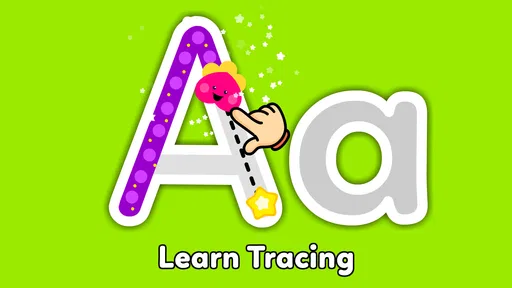
The games are where AutiSpark really shines. They’re thoughtfully designed to cater to different skill levels and learning goals. There are activities that focus on vocabulary building, recognizing emotions, and even basic math skills. Each game is crafted to keep kids engaged without being too challenging.
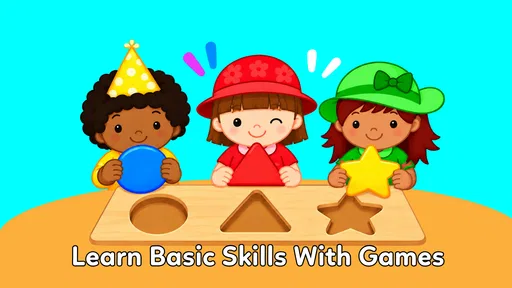
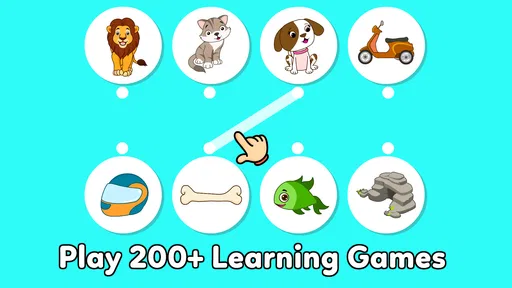
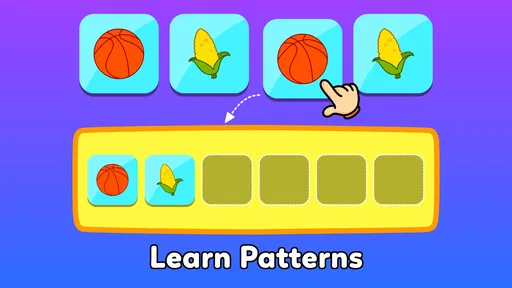
I’ve got to say, the matching games are a hit. They’re not just fun but also educational, reinforcing concepts like shapes, colors, and numbers. Kids earn rewards and stars, which makes the learning experience feel more like play than work.
How it fits beside other learning options
Compared with a broad children’s game or a general educational app, the appeal here is its specific autism-learning focus and its mix of activities rather than one narrow subject. That makes it worth considering when you want variety in one place. A dedicated reading, maths, or communication tool may be a better choice if your main goal is sustained practice in one skill, while hands-on play may work better for a child who learns best away from a screen.
I’d use the range of activities as a way to notice what a child gravitates toward, not as proof that one skill is improving. For example, if emotion-recognition tasks hold attention but vocabulary activities do not, that can guide what to try next together. It’s a practical observation, not a formal assessment, and it’s best interpreted alongside what parents, teachers, and the child already know.
Customization and Adaptability
One thing parents will appreciate is the level of customization available. You can tailor the difficulty of the games to suit your child’s individual needs. This adaptability means the app can grow with your child, providing new challenges as they progress.
Moreover, the app offers a progress tracking feature. It’s a great way for parents to monitor their child’s development and see which areas might need a bit more focus. Plus, knowing how your kiddo is doing without having to hover over their shoulder is a win-win!
Progress without turning play into pressure
Progress information is most useful when it helps an adult make a small, kind adjustment: perhaps choosing an easier activity after a frustrating one, or returning to a topic the child enjoys. I wouldn’t use stars or activity completion as a measure of a child’s overall ability. A child may be learning while taking breaks, repeating a familiar task, or choosing not to play at all.
A useful routine is to let the child lead the first choice, then offer one other activity only if they still seem interested. That keeps the app from becoming a sequence of adult-directed tests. If tracking is part of your routine, look for patterns over time rather than reacting to one session; a single day can reflect mood, energy, or context as much as familiarity with a task.
Spending, access, and a fair expectation
The game is free to start, with in-app purchases listed from $6.99 to $59.99 per item. That is a meaningful range, so I’d check the purchase options and their terms before relying on any paid content. I wouldn’t assume that every activity is included at no cost, or that a particular purchase is necessary for a child to benefit from trying the app.
There is no competitive angle I’d use to judge fairness here: the value is in whether an activity suits the child, not in comparing scores with other players. The practical trade-off is between trying the free experience first and paying for something only after you know it fits your household’s routine. If a child is likely to tap purchase controls accidentally, an adult should manage access to purchases through the device’s settings and stay present during initial use.
The developer is IDZ Digital Private Limited. The game is rated for Everyone, has a 4.4 average from around 3,400 ratings, and has passed one million installs. Those figures suggest that many people have tried it, but they can’t tell me whether it will match one particular child’s sensory needs or learning preferences. I’d treat them as background context, not a promise of results.
The Educational Aspect
Now, about the educational value—this app isn’t just about keeping kids busy. The activities are developed with input from professionals in the field of autism, which means they’re grounded in effective educational practices. You’re not just giving your child screen time; you’re offering them tools to enhance their learning and social skills.
The app also includes exercises to improve motor skills and hand-eye coordination, which are crucial for kids with autism. It’s these thoughtful touches that make AutiSpark stand out in a sea of educational apps.
What to check before making it part of the routine
Parents often want to know whether the app can take the place of therapy or classroom support. I wouldn’t treat it that way. It can offer practice and shared activities, but a game cannot observe a child in the full context of daily life or tailor support as a qualified professional can. If a child already has a learning plan, I’d use the app only where it fits comfortably alongside that guidance.
It’s also reasonable to wonder whether the child can use it independently. The friendly layout and clear instructions may help some children navigate activities, but independence will depend on the child and the task. I’d sit with them for the first few sessions, check how they respond to the visuals and audio, and see whether they can move between activities without frustration. That first look is more informative than assuming a game designed for children will automatically suit every child.
AutiSpark is available as version 6.8.0.7 and requires Android 5.0 or later. The listed release date is April 21, 2020. These details matter when checking whether an Android device can run it, especially if the device is older; they don’t, by themselves, say how smoothly it will behave on a particular phone or tablet. I’d test it on the device the child will actually use before building it into a daily routine.
Wrapping It Up
All in all, AutiSpark: Kids Autism Games is a wonderful resource for parents and educators alike. It provides a safe, engaging environment for children to learn and grow at their own pace. Whether you’re looking for something to support your child’s learning journey or just want a fun way to spend time together, this app has got you covered.
So, if you’re ready to explore what AutiSpark has to offer, you can download it and see the magic unfold firsthand. Trust me, both you and your little one will have a blast!
My trust verdict
I’d recommend giving it a careful try if you want autism-focused activities that can be explored together and you’re comfortable supervising screen time and purchase access. I’d skip it if you need a guaranteed fit for a specific sensory profile, a replacement for professional support, or a narrowly focused course with clearly defined outcomes. The free starting point makes a low-commitment trial possible, while the paid items are a reason to check what is included before spending.
My main advice is to let the child’s response guide the decision: notice whether the activity feels inviting, whether instructions are comfortable to follow, and whether the session ends calmly. If it does, the app may earn a useful place in your routine. If it creates friction, choosing another way to learn is not a failure; it is simply a better match for that child.
Pros
- Engaging and colorful interface.
- Wide range of educational games.
- Customizable difficulty levels.
- Supports offline play mode.
- Positive reinforcement system.
Cons
- Limited free content available.
- Some games may feel repetitive.
- Requires frequent updates.
- No multi-language support.
- Lacks detailed progress tracking.
FAQs for AutiSpark: Kids Autism Games
What is AutiSpark and how does it benefit children with autism?
AutiSpark is an educational app designed specifically for children with autism. It offers a variety of engaging games and activities that help develop essential skills such as communication, social interaction, and cognitive abilities. The app's content is curated by experts in autism therapy, ensuring that it addresses the unique learning needs of autistic children.
Is AutiSpark suitable for all age groups?
AutiSpark is primarily designed for young children with autism, typically between the ages of 3 to 11. The app features a range of activities that cater to different developmental stages, allowing parents and therapists to select games that match the child's current abilities and learning goals. However, it is always advisable to assess whether the app's content aligns with the child's specific needs.
Can parents track their child’s progress on AutiSpark?
Yes, AutiSpark includes a feature that allows parents and caregivers to monitor their child’s progress. This feature provides insights into the child's performance across various activities, helping parents understand which skills have improved and which may require additional focus. This tracking capability ensures that the app is not only engaging but also educationally effective.
Is an internet connection required to use AutiSpark?
AutiSpark offers both online and offline modes. While an internet connection is necessary for initial app downloads and updates, most of the game's activities can be accessed offline. This feature is particularly beneficial for parents who wish to use the app in environments where internet access may be limited or unavailable.
Are there any in-app purchases or advertisements in AutiSpark?
AutiSpark is a premium app that offers a subscription-based model, which means there are no in-app advertisements that could disrupt the child's learning experience. The app may offer additional content or features through in-app purchases. Parents can rest assured knowing the app is designed to be a safe and uninterrupted learning environment for their children.


